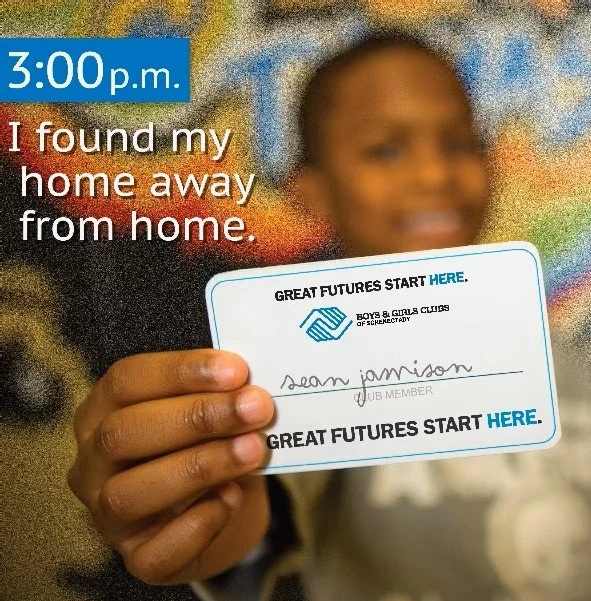
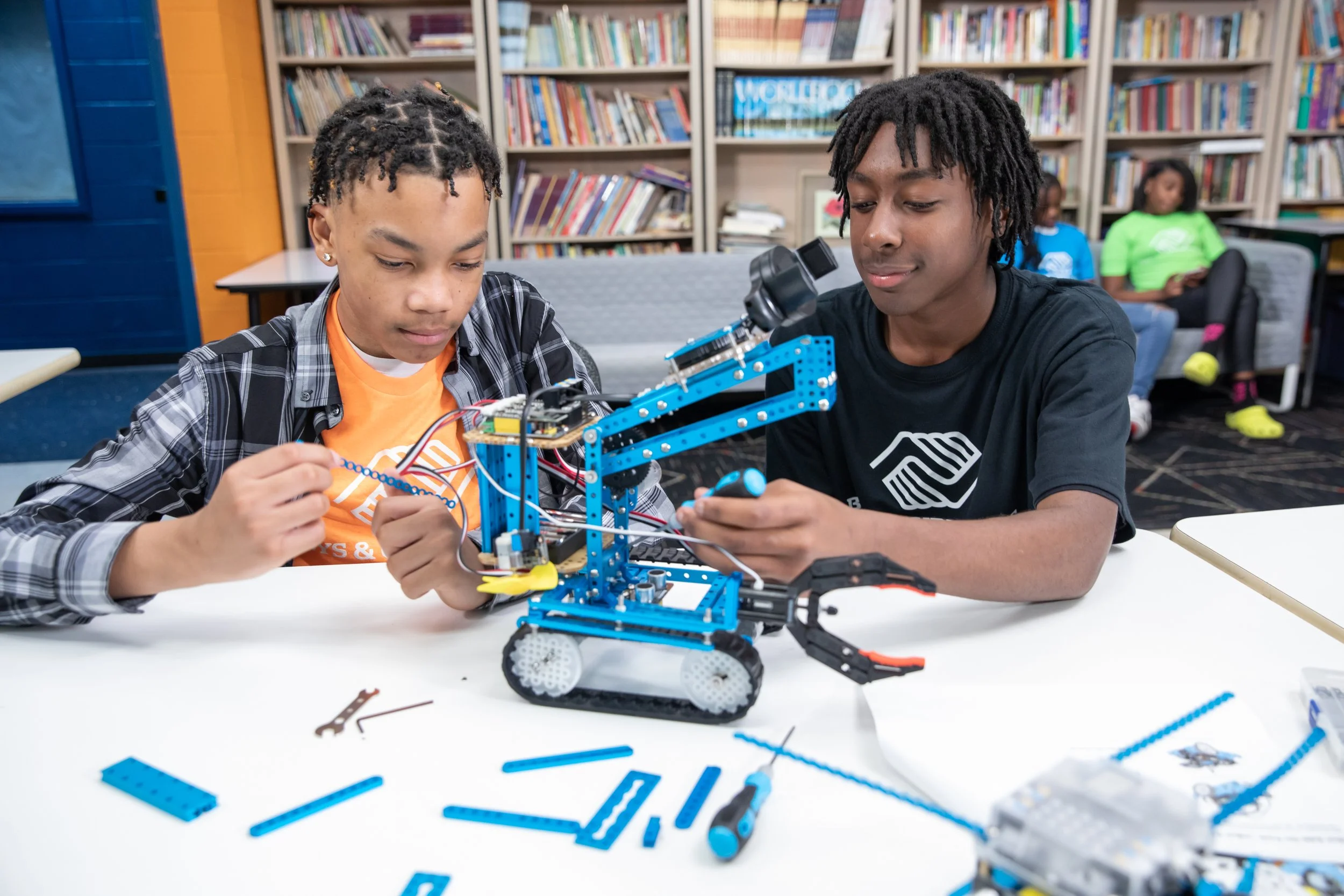
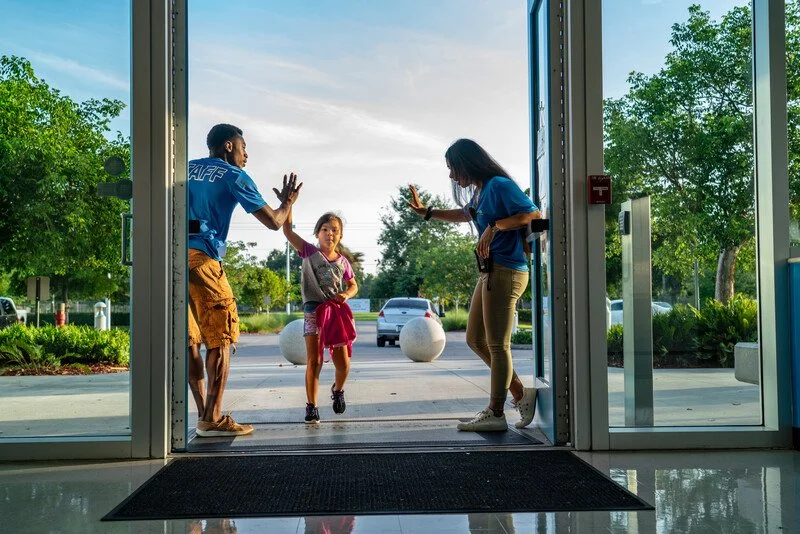
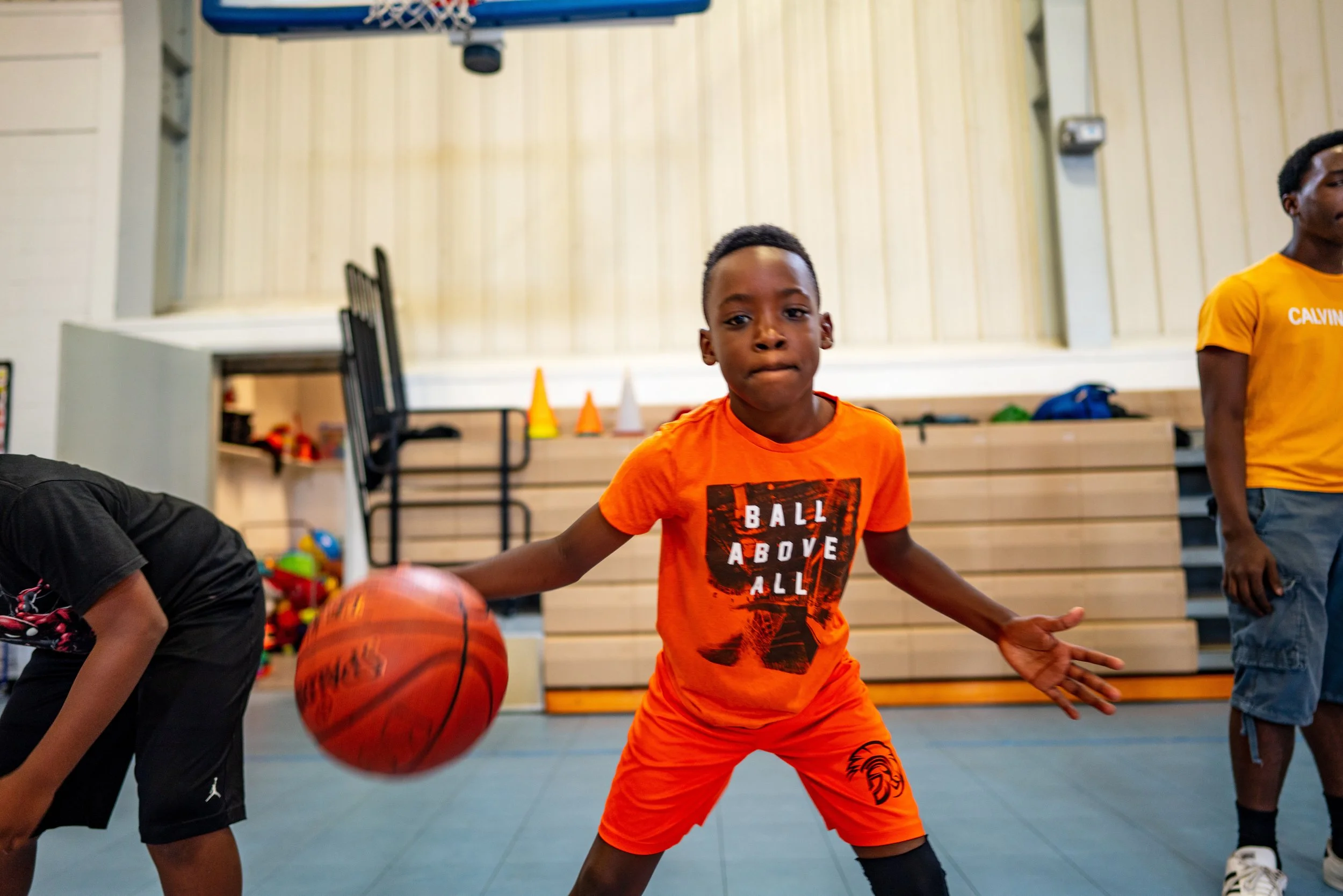
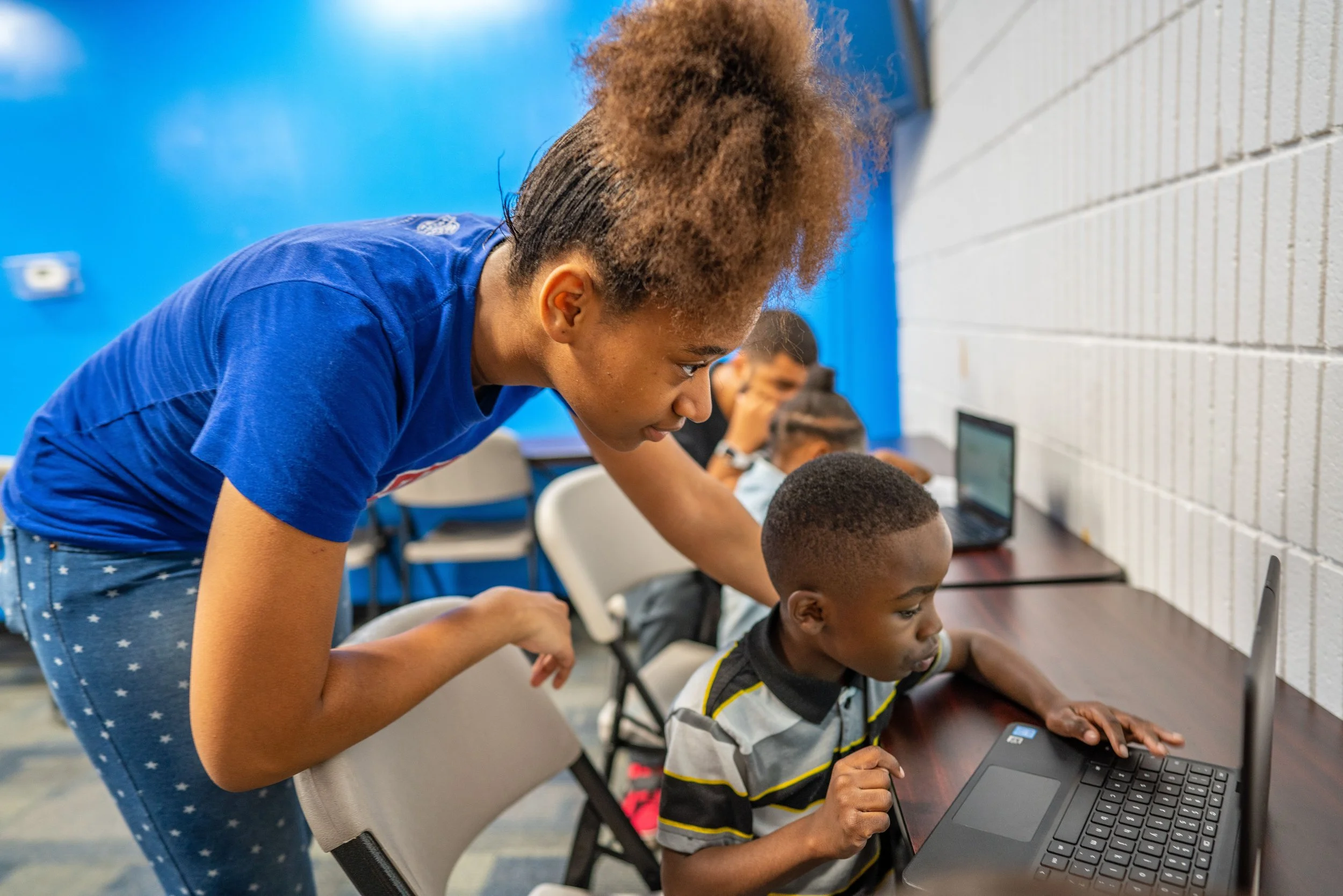
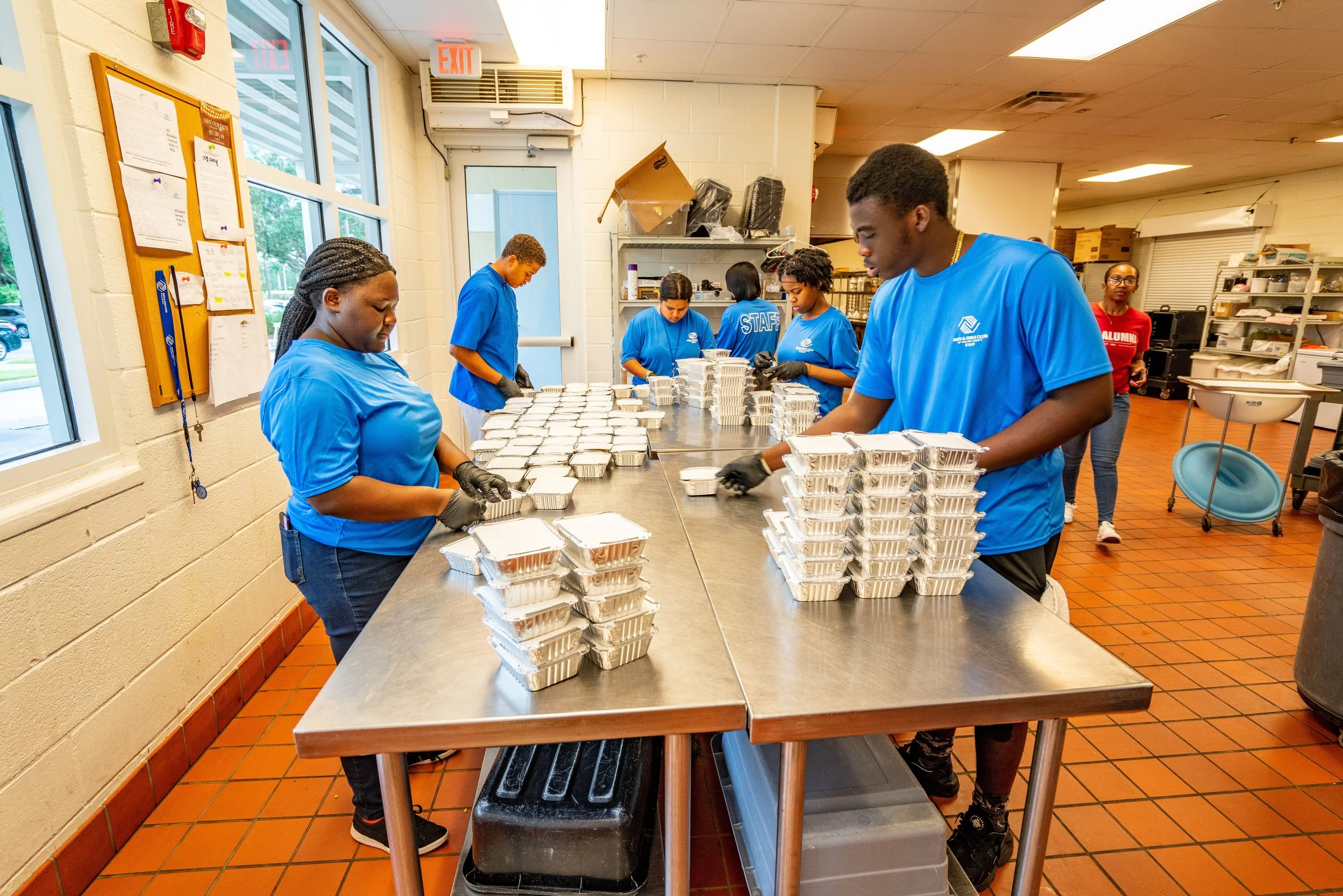
Boys & Girls Clubs give parents peace of mind after school and during the summer. Kids know the Club is a safe place where they can be themselves, learn something new and have fun. We call that a win-win.
HOW TO USE THE PARENT PORTAL TO JOIN, RENEW OR EDIT YOUR MEMBERSHIP.
-
All memberships are purchased online through our Boys & Girls Clubs of Schenectady Parent Portal.
See below for step-by-step guides to assist you with setting up your BGCS Parent Portal account and purchasing your membership.
Steps for creating your Parent Portal Account:
Click here to open the Parent Portal then click “Need a login?” below the "Log In” button.
Enter the Primary Parent/Guardian information as prompted on the Create Account page.
Click Submit to create the new account. You will receive a confirmation email with a link to follow.
Go to your email and click the link to create a password. The password criteria will be listed.
Once your Household Account is set up, go to the “Purchase a Membership” steps below.
-
If your child (or another child in your household) was a member at any of our Clubhouse locations or Summer Programs after September of 2022, a parent portal account already exists for your household.
To purchase the current school year’s membership for your child, simply log in to your Parent Portal account here.
-
Your username will be the parent/guardian email entered when the account was first created.
If you have forgotten your password, click on the “Forgot Your Password?” link.
If you are unsure of the email used to set up the account, or the password reset link is not working, please contact our administrative office at (518) 374-4714 (M-F 8am-4pm).
-
Follow the steps below to complete your child's membership:
Log in to the Parent Portal and click the "Memberships" link in the "Purchase a Membership" tile on your Home Page, or navigate to the “Memberships” tab on the top of the page.
Select/verify your preferred location by clicking Current Location: (Change) just above the Membership Category options. If the wrong location is selected, you will not see the correct membership option.
Click the appropriate " Membership Category " tile to view the membership types available and click "Select" for the membership option you would like to purchase.
Next click "Select " for the child/children you would like to purchase the membership for. If your child is not listed and needs to be added to your household account, click "Add a Household Member", and complete the “Create New Contact” pop-up form.
Walk through the registration process by clicking the "Next" button, completing “Membership Questions” and “Sign Contracts.”
Click the "Finish" button to proceed to the Purchase Summary and review your charges or click the “Back to Browse” button if adding a second type of membership for another child on this transaction. Click" Next" to proceed to the payment screen.
Click "Make Payment" to select your stored payment information or enter your credit card information as prompted, then click "Next" to process your payment.
-
Information entered during member registration can be updated and/or documents can be uploaded to your member’s records by following the steps below:
Log in to your Parent Portal account.
Click the "Update your Profile" link in the "Update Member Info or Upload Docs" tile on your home page, or navigate to the "Update your Profile" tab at the top of the page.
Select the member whose information you are updating from the "Household Member" dropdown list, then select the appropriate form from the "Form to Update" dropdown list. Click "Next".
Update/add any necessary information in the form fields. If uploading documents, choose the "Upload documents" form and follow the instructions provided.
Click Next to submit the changes. Please note that incomplete/ unsubmitted forms will be cancelled after 30 days.
ENGAGE. INSPIRE. EMPOWER.
Boys & Girls Clubs of Schenectady offer innovative programs in six core areas designed to empower youth to excel in school, become good citizens and lead healthy, productive lives.
Sports & Recreation
Education
The Arts
Health & Wellness
Workforce Readiness
Character & Leadership
Adeline Wright Graham Clubhouse
104 Education Drive, Schenectady, NY 12303
(518) 709-1875
Unit Director: Stephanie Lavalley
slavalley@bgcschenectady.org
Program Director: Creig Blyden
cblyden@bgcschenectady.org
Rotterdam Clubhouse
721 Curry Road, Schenectady, NY 12306
(518) 355-7440
Unit Director: Julie Rouse
jrouse@bgcschenectady.org
Program Director: Shaquanna Robinson
srobinson@bgcschenectady.org
21st Century After School Programs
(518) 918-4861
Program Coordinator: Amanda Boyle
aboyle@bgcschenectady.org
Camp Lovejoy
3476 Lovejoy Rd (GPS: Old Stage Road), Altamont, NY 12009
(518) 861-8351
First Aid (518) 861-5579
Camp Director (TBD)
Camp Program Director: Stephanie Lavalley
slavalley@bgcschenectady.org
Steinmetz Clubhouse
118 Henry Street, Schenectady, NY 12304
(518) 372-3620
Program Director: Fatih Rasul
frasul@bgcschenectady.org
Northside Village Clubhouse
Community Center Building 11, 2450 Van Vranken Avenue, Schenectady, NY 12302
Program Director: Alyssa Bailey
abailey@bgcschenectady.org
Workforce Program
(518) 374-4714
Career & Support Specialist: Lindsay Byard
lbyard@bgcschenectady.org
Community School Programs
(518) 374-4714
Program Coordinator: Pat Scavotto
pscavotto@bgcschenectady.org